
 Русский
  English

AI can handle most of the work involved in creating a White Page: planning the structure, writing the copy, selecting a visual direction, and assembling the website files. Instead of starting with an empty layout, you describe the topic, audience, language, and purpose of the website, then review the generated result.
This makes an AI White Page generator useful for teams that need to prepare pages for different niches and markets without rebuilding every website manually. It does not remove the need for human review. Before publishing, you still need to verify the facts, contact details, links, mobile layout, and alignment between the page and the actual offer. AI speeds up production; the owner remains responsible for what the page says and how it is used.
What Is an AI-Generated White Page?

An AI-generated White Page is a page or website assembled from a set of user inputs. The generator interprets the brief, chooses an appropriate structure, creates the content and design, and packages the result for publishing.
The workflow can be summarized as:
inputs → structure → content → design → website generation → review → publishing
If you are new to the term, start with the introductory guide to White Pages. In this article, we focus specifically on using AI to create the page.
AI generation differs from the main alternatives:
- Manual development. A writer, designer, and developer create the content, interface, and code step by step. This offers extensive control but requires more time and resources.
- A ready-made template. The user replaces the copy, images, and contact details inside a predefined layout. It is fast, but the structure and visual system remain limited by the template.
- A conventional website builder. The user assembles blocks in a visual editor. Coding may not be necessary, but the structure, content, and design still need to be planned manually.
- An AI website generator. The system uses a brief to create the content and assemble the website as one result. The user reviews and edits the output instead of building from a blank page.
In this sense, an AI White Page generator is closely related to an AI landing page generator. The difference is usually in the intended workflow, supported website formats, and the amount of niche and localization data the service accepts.
What Can AI Generate for a White Page?
The quality of the output depends on the quality of the input. A clear brief gives the system less room to guess and reduces the amount of editing required later.
Page structure
AI can decide which sections a website needs and arrange them in a logical order. A one-page website might include:
- a clear hero section;
- a product or service overview;
- benefits and use cases;
- a step-by-step process;
- frequently asked questions;
- a contact or enquiry form;
- business details and a footer.
For a topic that needs more depth, the system can create a multipage structure with separate service, company, contact, article, and policy pages. This is more useful than applying the same generic block sequence to every niche.
Website copy
AI can draft headlines, product descriptions, benefits, FAQ answers, navigation labels, and supporting copy. It can also keep the tone and language consistent across multiple pages.
Generated copy still needs fact-checking. A model may invent a statistic, service, address, certification, price, or guarantee if the brief is incomplete. Treat every business claim and contact detail as unverified until it has been checked against the real project.
Visual direction
AI can connect the website topic with an appropriate composition, color direction, and set of images. A local service, an editorial blog, and a product catalog should not look identical simply because they contain a similar number of sections.
The design should make the subject of the website clear, guide visitors toward the right information, and work across screen sizes. A random stock image and a new accent color are not enough to make a page relevant to its audience.
A ready-to-publish website package
A general-purpose AI chat usually returns an outline, copy, or code snippets. A specialized generator can assemble the complete website files.
WPGads provides the generated website as a ZIP archive that can be uploaded to the user’s own server. Depending on the selected format, the output can be a responsive HTML/PHP landing page, a multipage HTML/PHP website, or a WordPress blog. The result is therefore more than generated text: it is a website foundation that can be reviewed, edited, and deployed.
How to Create a White Page with AI
Step 1. Define the purpose of the page
Before starting the generator, write down the core requirements:
- the topic and the actual offer;
- the target audience;
- the country and language;
- the expected traffic source;
- the website format: landing page, multipage site, or blog;
- the primary visitor action, such as reading information, viewing services, submitting an enquiry, or opening a relevant section.
The traffic source should inform the layout and user experience, not be used to hide or misrepresent content. Search traffic may benefit from deeper, well-organized information, while a mobile-heavy campaign needs concise sections, clear navigation, and fast loading.
Step 2. Give the AI useful inputs
A request such as “make a home repair website” leaves too much room for guesswork. A useful brief explains what the project offers, who it serves, where it operates, which language it uses, and what visitors should do.
For example:
Create a Polish-language landing page for a home appliance repair service in Warsaw. The audience is local residents who need an engineer to visit their home. Include services, the booking process, service area, FAQ, real contact details, and an enquiry form. Do not add prices, guarantees, or response times that are not present in the input.
Where available, add:
- the real company name;
- a verified address, phone number, and email;
- relevant keywords to use naturally;
- words or claims the system must avoid;
- required pages and sections;
- content and design constraints.
In WPGads, a short description can be expanded with the prompt improvement feature. The user can then select the language, country, file type, keywords, stop words, and other settings.
Step 3. Generate the website
WPGads runs through a Telegram mini app. The user selects the type and number of websites, describes the topic, adds company details, chooses localization settings, and starts generation.
The currently available formats include:
- a one-page HTML/PHP landing page;
- a multipage HTML/PHP website;
- a WordPress blog powered by SQLite, with content management through the WordPress admin area.
The system creates the structure, copy, design, and code, and selects imagery relevant to the topic. WPGads states that a completed website can be generated in up to three minutes; the actual time may vary with the format and scope of the request.
Step 4. Review the content and design
Open the result as both an editor and a prospective visitor. Confirm that the first screen explains the offer, the sections follow a logical order, and every claim matches the real product or service.
Check the mobile layout separately. Buttons should not cover text, forms should stay within the viewport, and images should load quickly and crop appropriately.
If the page contains a form, submit a test enquiry. Check every phone number, email address, messenger button, document link, and navigation item.
Step 5. Export and publish the page
WPGads delivers the website in a ZIP archive. Download the package and deploy it to your own hosting. A domain and server are not included with the generation service.
Keep an untouched copy of the original archive before editing. Once the website is live, verify:
- the homepage and internal pages;
- navigation, forms, and links;
- HTTPS configuration;
- desktop and mobile rendering;
- the Title, meta description, and H1;
- access to relevant policy and contact pages.
The complete deployment process will be covered in How to Download and Deploy a White Page: HTML, ZIP, and Hosting.
AI Generation vs. White Page Templates
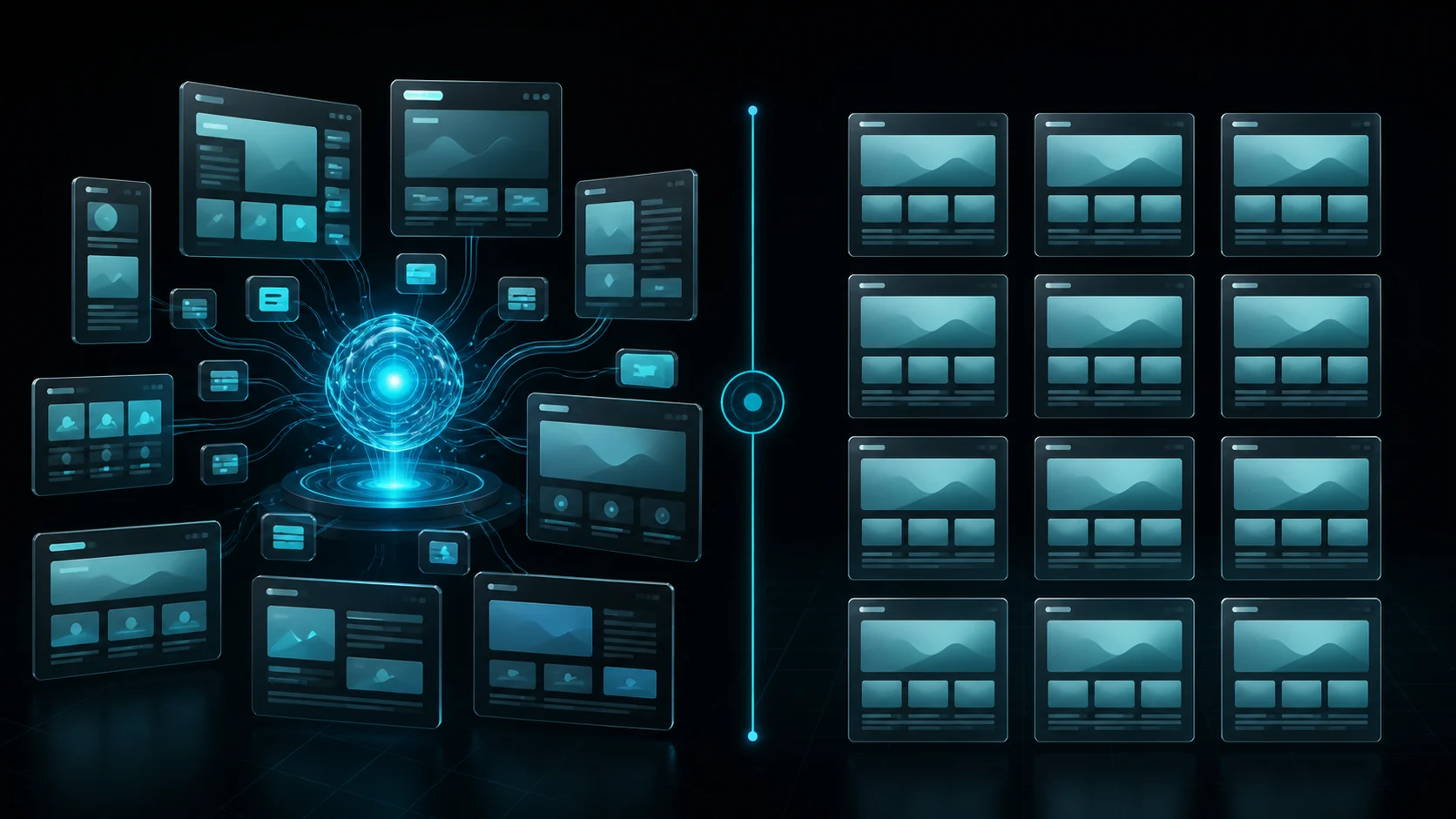
Both approaches can produce a website foundation quickly, but they work differently.
| Criterion | AI generation | Ready-made template |
|---|---|---|
| Production speed | High | High |
| Output uniqueness | Usually higher | Usually lower |
| Adaptation to the topic and market | Flexible | Limited by the template |
| Manual editing required | Yes | Yes |
| Multiple variants for one brief | Fast to generate | Requires more templates or manual rework |
| Structural predictability | Depends on the inputs and review | High within the chosen layout |
A template works well when its structure is already suitable and only the content needs to change. AI generation is more useful when topics, languages, countries, and website formats change regularly, or when a team needs several distinct variants.
The decisive factor is the quality of the finished website, not the production method. Both an AI-generated page and a template need fact-checking, interface testing, and alignment with the actual offer. We will compare more formats in White Page Examples and Templates.
What to Check Before Publishing

Use this checklist for every AI-generated White Page.
Content
- The H1 accurately describes the page.
- The copy contains no invented facts, testimonials, awards, prices, or guarantees.
- The company name, contact details, and terms are correct.
- The page represents the actual product or service.
- There are no contradictions or fragments from an unrelated topic.
- Keywords are used naturally rather than repeated for SEO.
User experience
- The navigation is clear and leads to the correct sections.
- Every link and button works.
- Forms submit correctly and display useful error messages.
- The page is easy to read on a smartphone.
- Images are relevant and not distorted.
- Loading performance is appropriate for the expected traffic source.
SEO and trust
- The page has a unique Title and meta description.
- There is one clear H1.
- Relevant images have meaningful alt text.
- Real contact information and necessary policy pages are present.
- HTTPS works on the published website.
- The content is transparent and complies with applicable law and the requirements of the advertising platform being used.
Can White Page Creation Be Fully Automated?
Most of the workflow can be automated: collecting inputs, choosing a structure, drafting copy, selecting images, assembling files, and packaging the website. For teams producing pages across multiple topics and markets, this removes a large amount of repetitive work.
Publishing without human review is still a poor trade-off. AI does not know a company’s internal policies unless they are included in the brief, and it cannot guarantee that every claim is correct. It is also not a substitute for legal review or for checking the current rules of an advertising platform.
A practical workflow is:
AI generates → a person reviews → edits are made → the website is published.
AI accelerates page production, but the final decision about the content and publication stays with a person.
How to Generate a White Page with WPGads
WPGads combines content creation and website assembly in one workflow. Users do not need to draft copy in one tool, find images in another, transfer everything into a builder, and package the site manually.
The process is straightforward:
- Open WPGads in Telegram.
- Select the website type and quantity.
- Describe the topic or use AI to improve a short prompt.
- Add the language, country, company details, keywords, and stop words.
- Select an available output format.
- Start generation and download the ZIP archive.
- Review the website and upload it to your server.
WPGads supports content generation in more than 40 languages. Its available formats include responsive landing pages, multipage websites, and WordPress blogs. The generated website can then be edited to reflect the real project and the requirements of the platform where it will be used.
Create a White Page with WPGads
FAQ
Can a White Page be created entirely with AI?
AI can generate the structure, copy, design direction, and website files. A person should still verify the facts and contact details, test the links and forms, review the mobile layout, and confirm that the page accurately represents the real offer.
How long does automatic White Page generation take?
The time depends on the service and the complexity of the website. WPGads states that it can generate a ready website in up to three minutes. Reviewing, editing, and deploying the result will take additional time.
Do I need HTML skills to create a White Page?
Not for generation. The user describes the project and selects the settings, then receives a ready ZIP archive. Basic knowledge of hosting and website files is helpful when deploying or editing an HTML/PHP version. WordPress blog content can be managed through the admin interface.
How is AI generation different from using a template?
A template provides a predefined structure in which the copy, images, and settings are replaced. AI generation creates content and a composition around a specific brief, making it easier to produce variants for different topics, languages, and markets. Both approaches require human review.
Can I edit the page after generation?
Yes. WPGads provides the generated files in a ZIP archive. An HTML/PHP website can be changed in code or a suitable editor, while a WordPress blog can be managed through the WordPress admin area. Keep the original archive as a backup before making changes.