Русский
  English
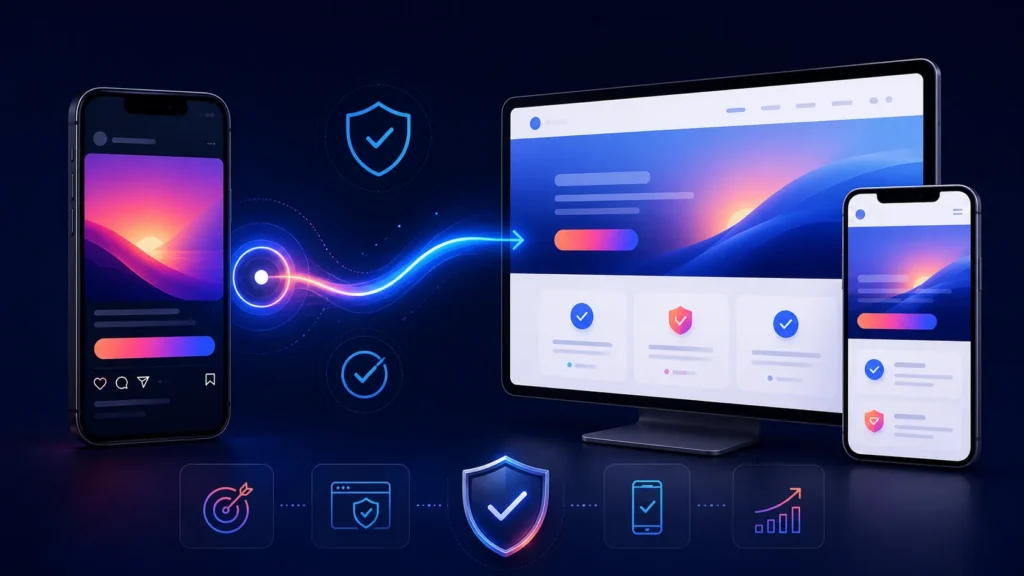
A White Page for Instagram Ads should explain the offer immediately after a visitor clicks a visual ad. The person has already seen an image, video, Story, or Reel and expects the destination to continue the same message with a clear subject, consistent offer, verifiable information, and an understandable next step.
The landing page must also work as a useful website in its own right, not as a technical formality for an advertising campaign. It should display the same content to visitors, advertising systems, and search crawlers, perform correctly on mobile devices, and avoid hidden or substituted content.
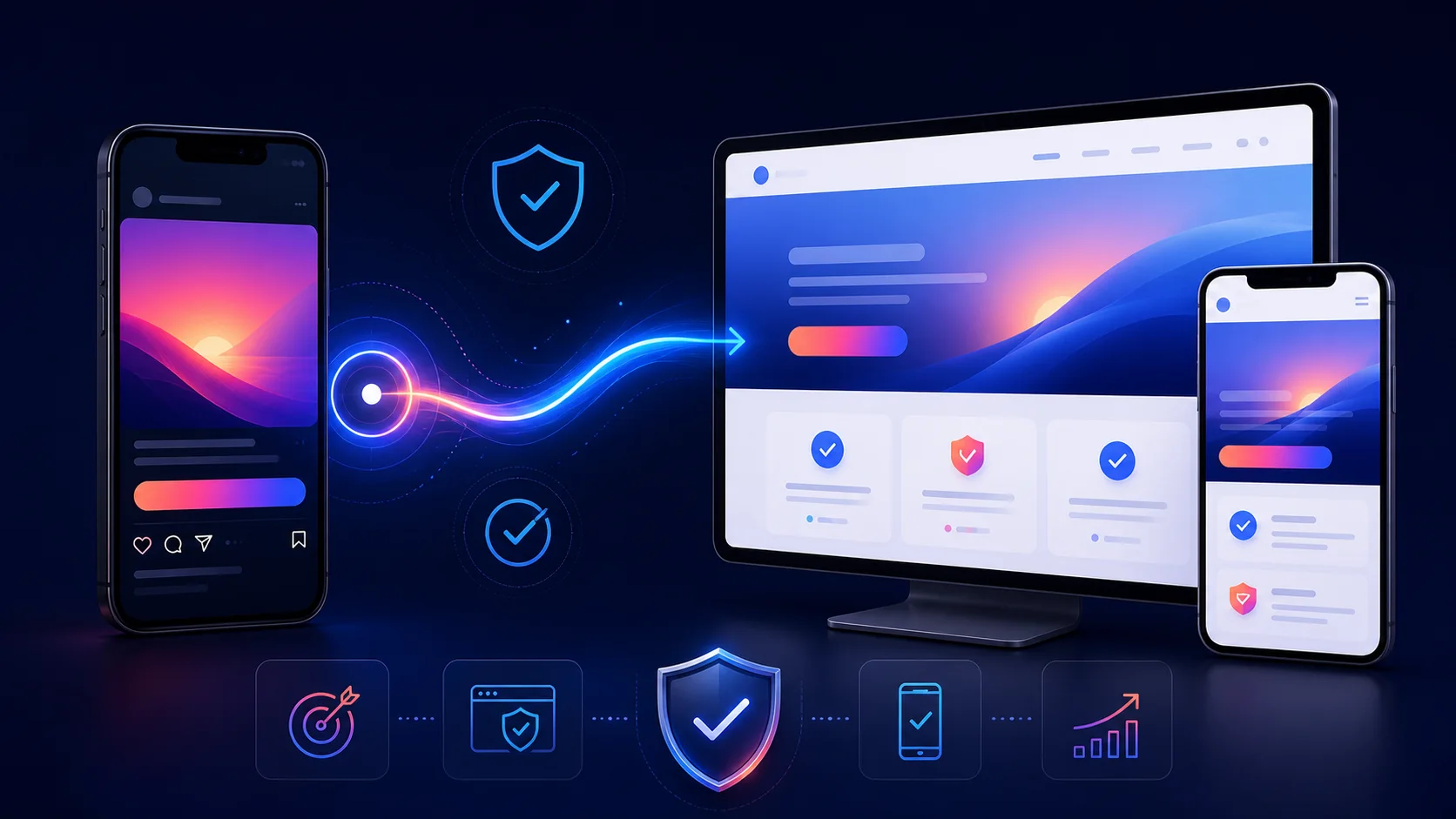
What matters after a visitor clicks an Instagram ad
Meta’s ad review may consider more than the visual and copy. The destination website or landing page can also be reviewed. Relevance therefore cannot stop at the ad: the creative, selected objective, and destination should form one understandable journey.
Offer alignment. If the ad presents a specific service, product, or subject, the first screen of the website should continue that topic instead of switching the visitor to something else.
Transparency. Project names, conditions, business details, and key claims should be accurate and verifiable. The creative should not promise one outcome while the destination presents another.
One consistent content version. A White Page should not change according to who opens the URL. Visitors, advertising systems, and search crawlers should receive the same website.
No template or generator can guarantee ad approval because the advertising platform makes the final decision. The destination’s role is to be technically reliable, relevant to the message, and transparent about the project.
A practical Instagram Ads landing page structure
Opening section. Use a clear headline, a short explanation, and one primary action. Within a few seconds, the visitor should understand that the click led to the expected destination.
Product or service explanation. Describe what is offered, who it is for, and which problem it addresses. Avoid generic statements that could appear on any unrelated website.
Benefits and evidence. Use real characteristics, terms, processes, examples, or other verifiable information. Unsupported guarantees and artificial urgency reduce trust.
How it works. A short sequence helps the visitor understand what follows a button click, inquiry, purchase, or transition to another section.
Answers to common questions. Address conditions, timing, limitations, service format, and next steps. Questions can be introduced with bold text inside the section instead of creating many small headings.
Business and contact details. Add the project or company name, available contact methods, and the factual information a visitor needs to make an informed decision.
Clear action. The button label should describe the next step accurately, such as viewing terms, opening the service, contacting the company, or reading more. It should not lead to an unexpected destination.
Connect the creative to the destination
Instagram supports multiple advertising experiences, including images, videos, carousels, Stories, Reels, and Explore placements. The format changes how the message is presented, but the alignment principle remains the same: the promise and context of the ad should continue on the website.
Preserve the central message. The first-screen headline does not have to repeat the ad word for word, but the subject, product, audience, and core benefit should match.
Continue the visual context. When the creative presents a particular product, scenario, or audience, use a compatible visual direction on the page. An abrupt change can make the destination feel incorrect.
Continue the action. The ad button and the main website CTA should lead to a logical next step. For example, a “learn more” message should provide useful information before demanding an unrelated action.
Keep important conditions visible. Material restrictions and terms should be available on the destination and should not contradict the advertisement.
Mobile preparation and website format selection
Instagram is primarily used on mobile devices, so the destination review should begin with a narrow viewport. The opening section should load without a disruptive visual shift, text should remain readable without zooming, and buttons should be usable without covering the content.
Landing page. Use it for one focused offer and a linear visitor journey. It is usually the most direct Instagram Ads landing page format.
Multi-page website. Choose this format when visitors need separate information about the company, several services, terms, and contact details. It prevents the opening page from becoming overloaded.
Blog. A blog works when the ad leads to a useful article, review, or educational resource and the project plans to publish content regularly.
Our guide to choosing a website format compares these options in more detail. For adjacent campaign scenarios, see the preparation guides for White Pages for Facebook Ads and White Pages for TikTok Ads.
Pre-launch checklist for Instagram Ads
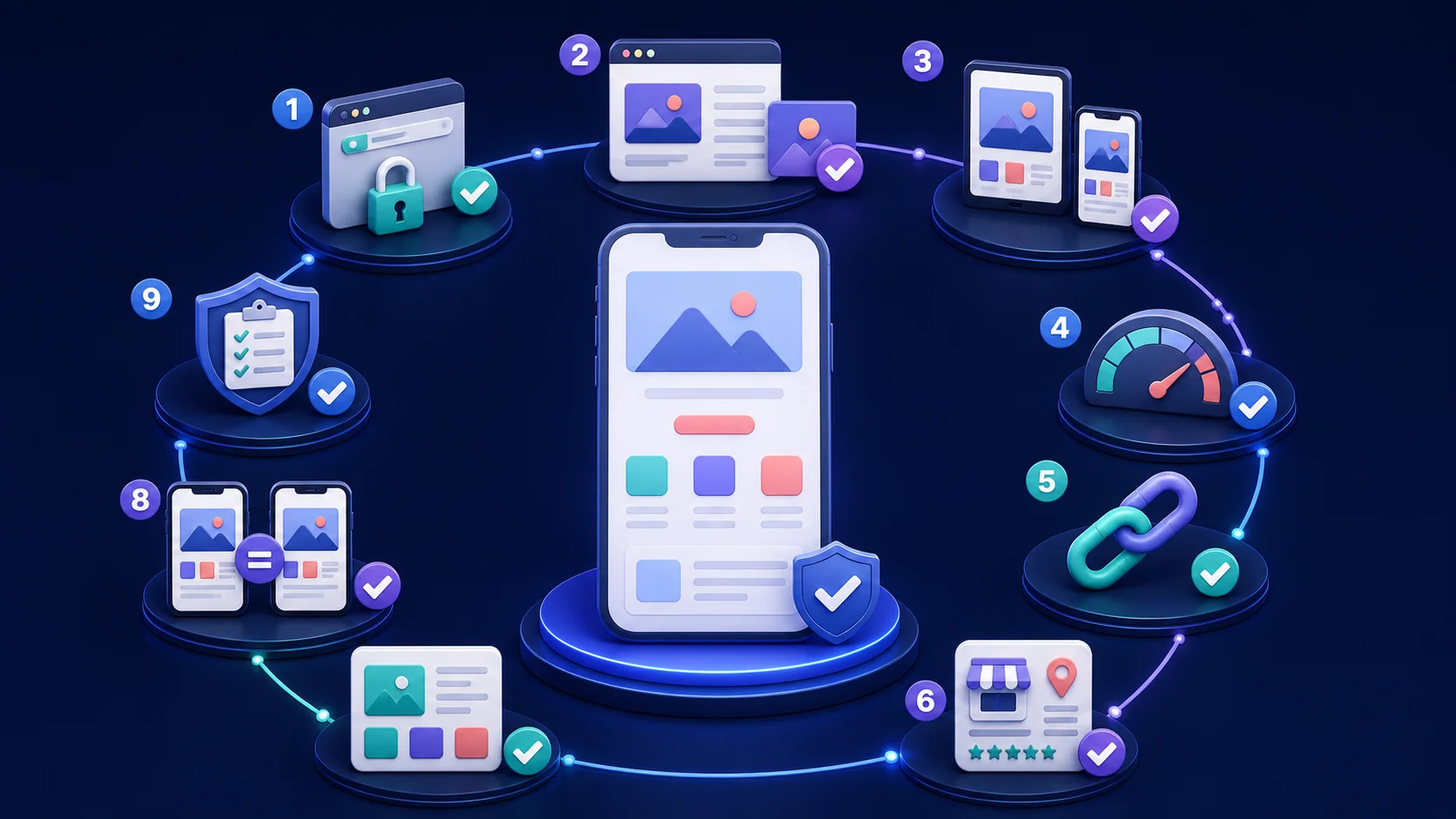
- Check the final URL and HTTPS. The page opens at the intended address without warnings or unnecessary redirects.
- Compare the ad with the opening section. The subject, product, audience, conditions, and primary call to action do not conflict.
- Review the mobile layout. Text, images, tables, and buttons fit the viewport and do not overlap.
- Test loading behavior. Primary content appears without a long delay, and image files are reasonably optimized.
- Follow every action. Menus, anchors, buttons, phone numbers, email links, and internal links work.
- Verify the facts. Contacts, prices, timeframes, features, and claims match the real offer.
- Remove placeholders. The website contains no lorem ipsum, temporary contacts, empty blocks, or unfinished forms.
- Confirm one content version. The site does not substitute content for particular visitors, advertising systems, or crawlers.
- Review the current rules. Check Meta’s latest advertising and destination requirements before every launch.
If the website is not deployed yet, start with the guide to creating, configuring, and launching a White Page.
Common mistakes and quick answers
Ad and destination mismatch. The visitor recognizes the visual but receives a different subject or offer after the click. This damages comprehension and trust.
An overloaded opening section. Multiple headlines, long text, too many buttons, and small interface elements make the central message difficult to identify.
Unverified promises. Absolute guarantees, fabricated testimonials, and inaccurate business details create risk regardless of the visual quality.
Desktop-only review. Mobile layout errors may remain invisible on a wide screen even though mobile clicks will be the main traffic source.
Is a separate White Page required for every creative? Not always. One page can support several ads when they lead to the same offer and do not create contradictions. Substantially different topics should use separate relevant destinations.
Can the page be generated automatically? Yes. AI can prepare the structure, copy, design, and code, but human review is still required. The full workflow is covered in our guide to creating a White Page with AI.
Does the right structure guarantee approval? No. A clear structure improves relevance and usability, but Meta makes the advertising decision based on the ad, destination, and other campaign signals.
Prepare a White Page for Instagram Ads
WPGads lets you define the niche, GEO, language, business details, and website format. The service creates a ready-to-review foundation that can be checked against the creative, mobile experience, factual information, links, and the current requirements of the advertising platform.